Mirabox D200 Stream Deck Visual Console (13 LCD Keys · Macro Keyboard · Studio Controller)
Mirabox D200 Stream Deck Visual Console (13 LCD Keys · Macro Keyboard · Studio Controller)
Mirabox D200 Stream Deck Visual Console (13 LCD Keys · Macro Keyboard · Studio Controller)
Product Overview
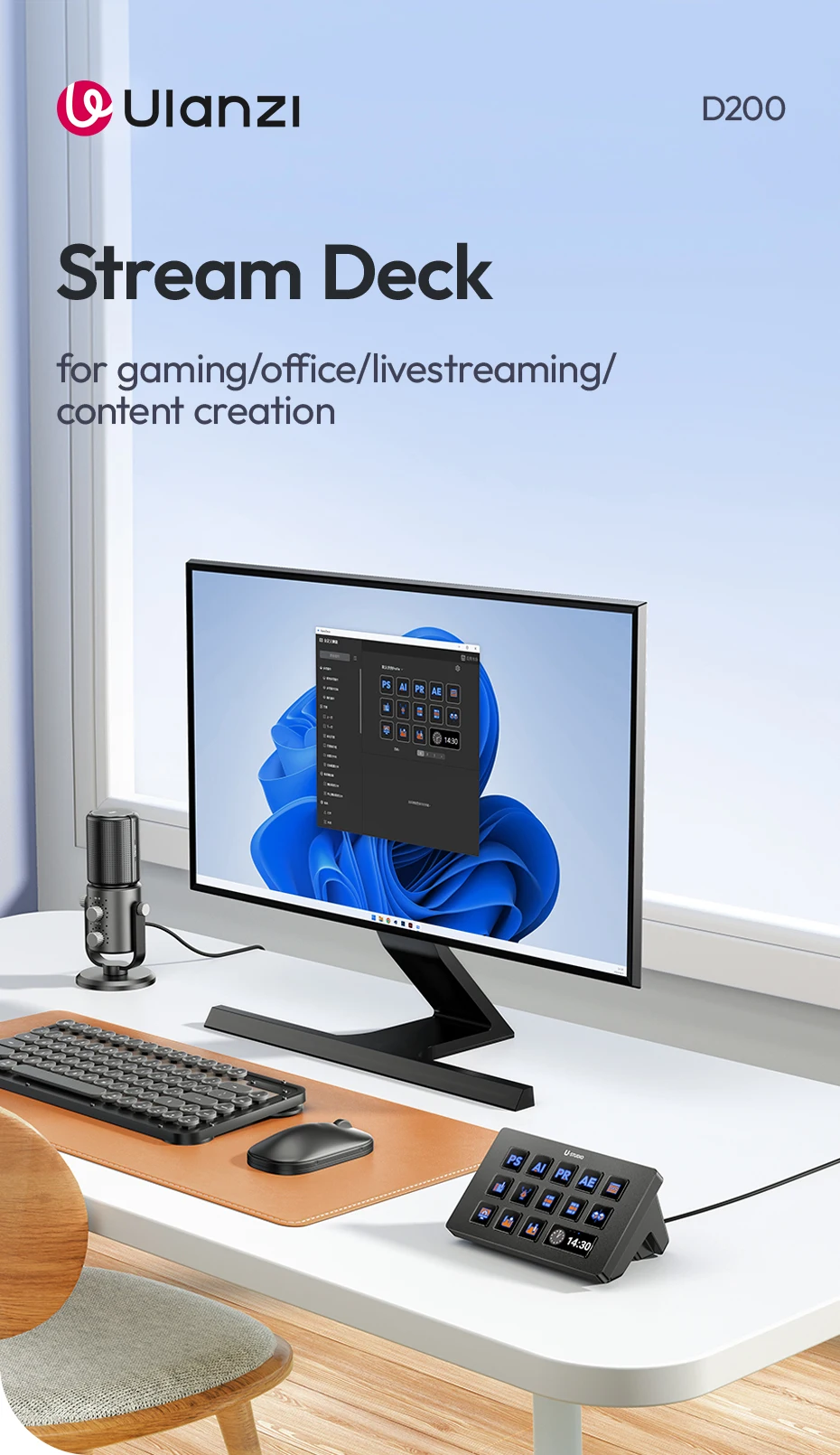
The Mirabox D200 Stream Deck Visual Console is a compact, wired macro keyboard designed for creators, streamers, editors, and multitaskers. Equipped with 13 customizable LCD keys, this controller delivers fast access to shortcuts, multi‑actions, and workflow tools—perfect for studio setups, OBS control, productivity, and gaming.
Product Details
-
Brand Name: Mirabox
-
Item Type: Mini Keyboard / Stream Deck Controller
-
Keyboard Standard: Mini Keyboard
-
Operation Style: Capacitive
-
Interface Type: USB
-
Type: Wired
-
Language: English
-
Application: Desktop, Laptop, Number Pad Functions
-
Package: Yes
-
Style: Standard
-
Battery Included: No
-
High‑Concern Chemicals: None
-
Origin: Mainland China
Key Features
-
13 Customizable LCD Keys Full‑color display keys with editable icons and programmable shortcuts.
-
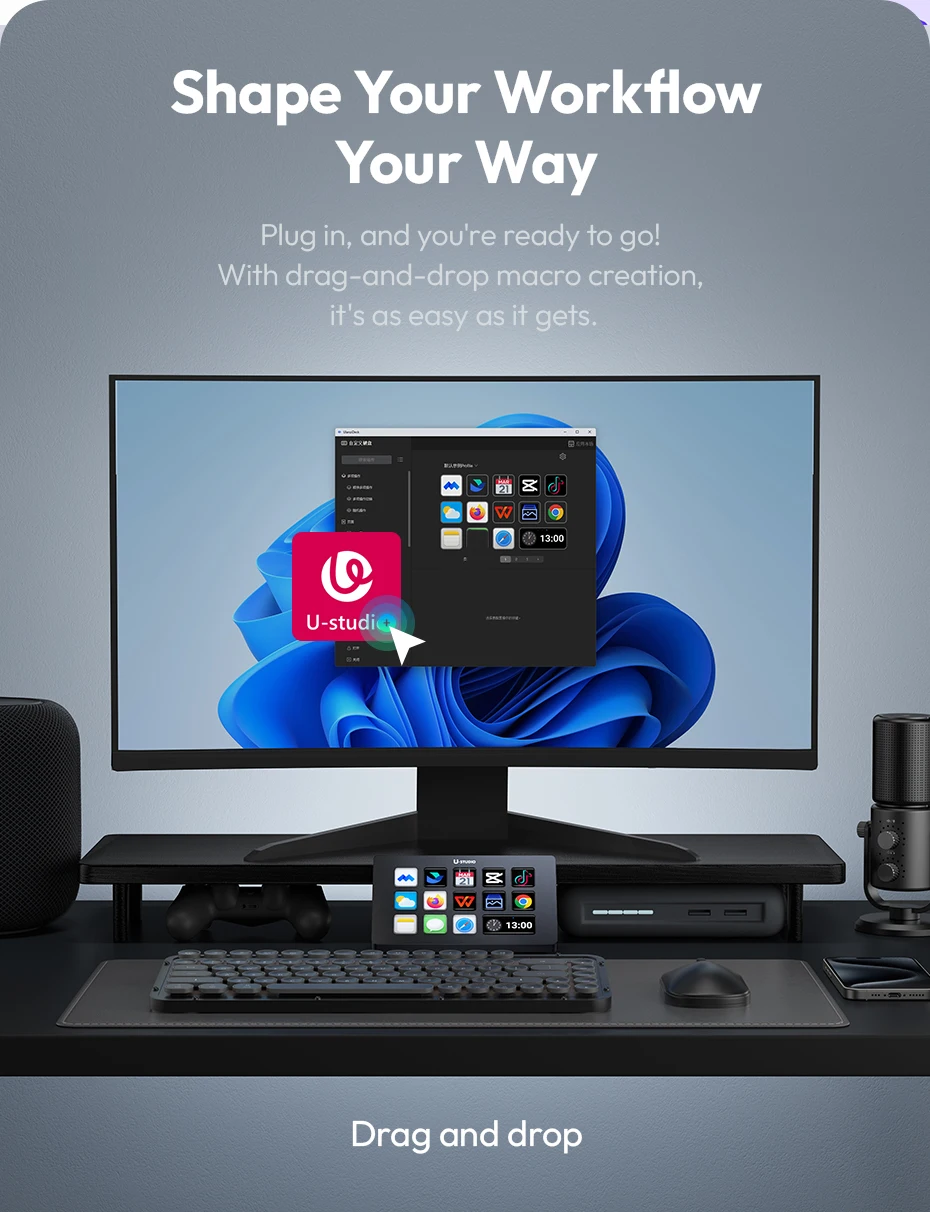
Drag‑and‑Drop Setup Easily assign actions, macros, and commands with intuitive drag‑and‑drop configuration.
-
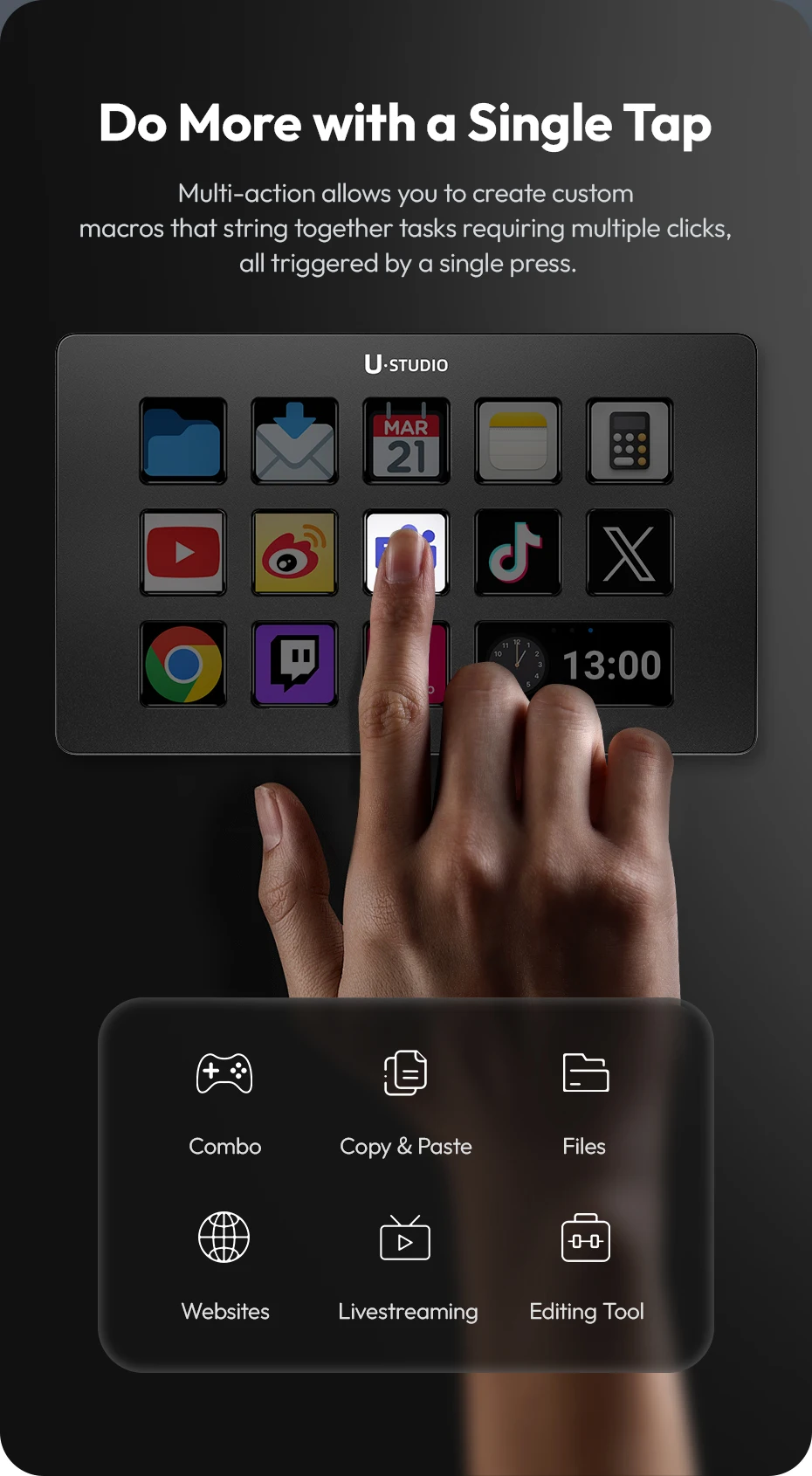
One‑Step Multi‑Action Trigger multiple tasks instantly with a single key press.
-
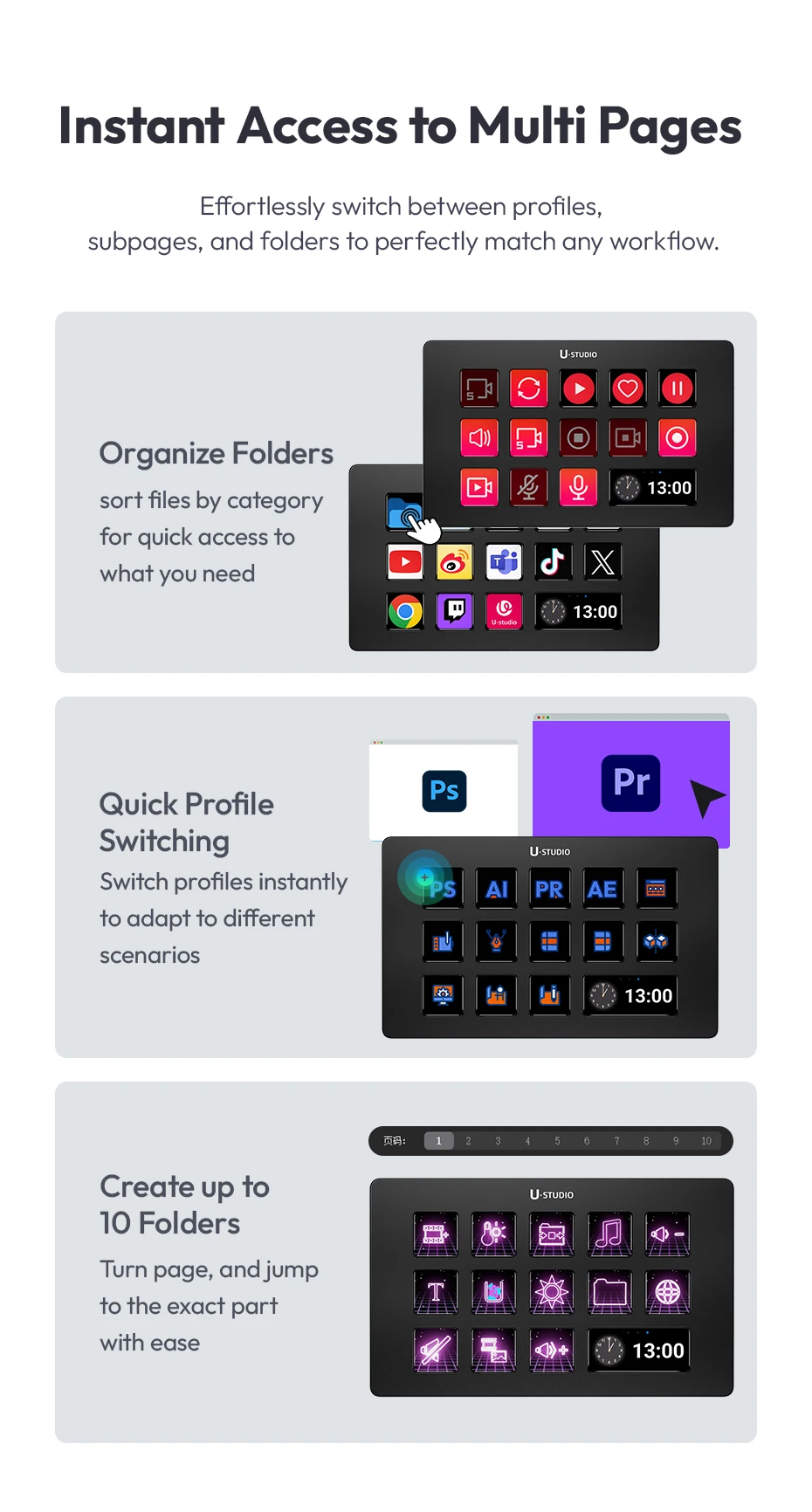
Multi‑Page Access Switch between pages for expanded command sets and organized workflows.
-
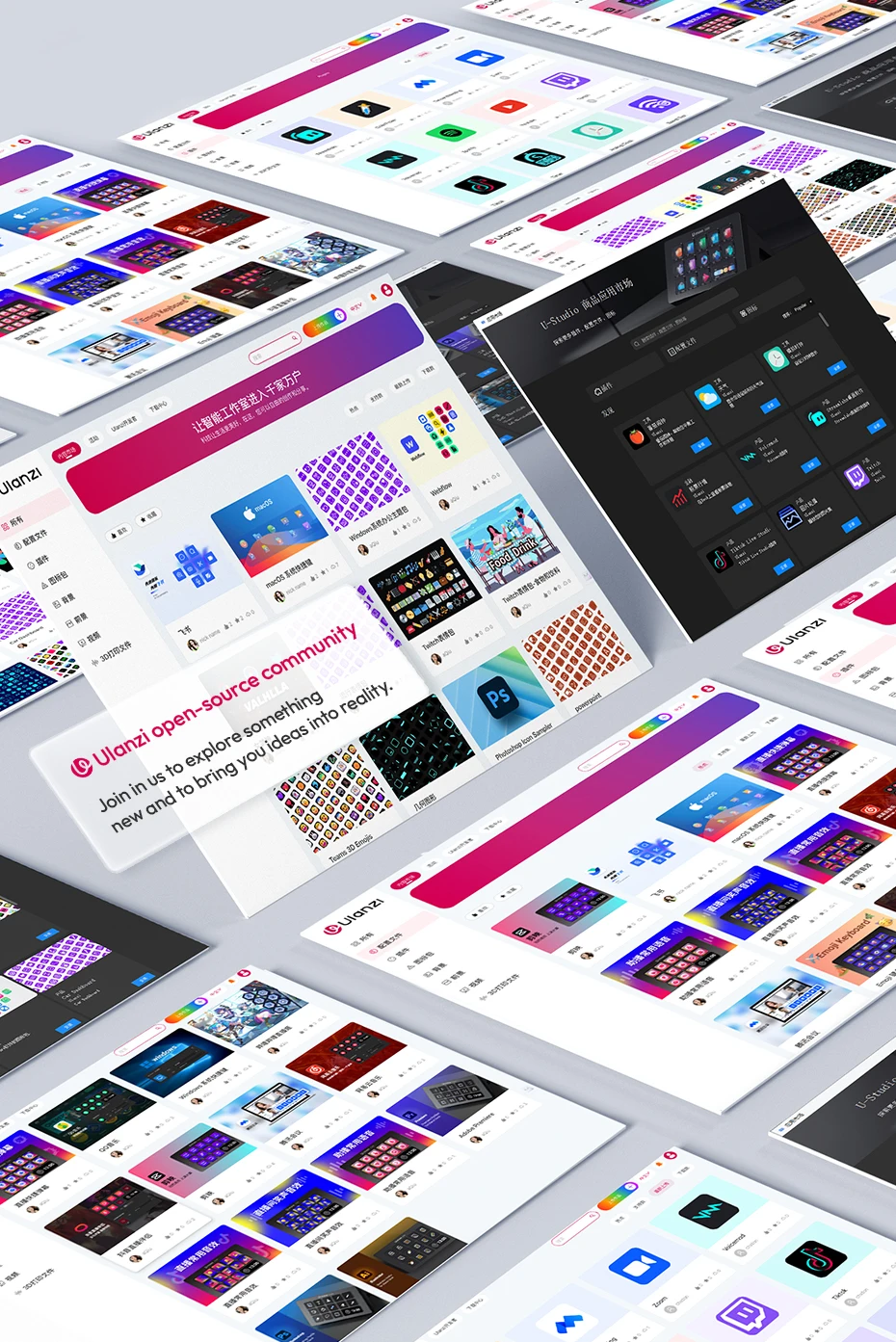
Open‑Source Community Support Access shared profiles, icons, and custom layouts from creators worldwide.
-
U‑Studio Marketplace Compatible Integrates with creator‑focused tools and presets for streamlined setup.
Ideal For
-
Livestreaming
-
Content Creation
-
Video Editing
-
Studio Workflows
-
Gaming Macros
-
Productivity Shortcuts
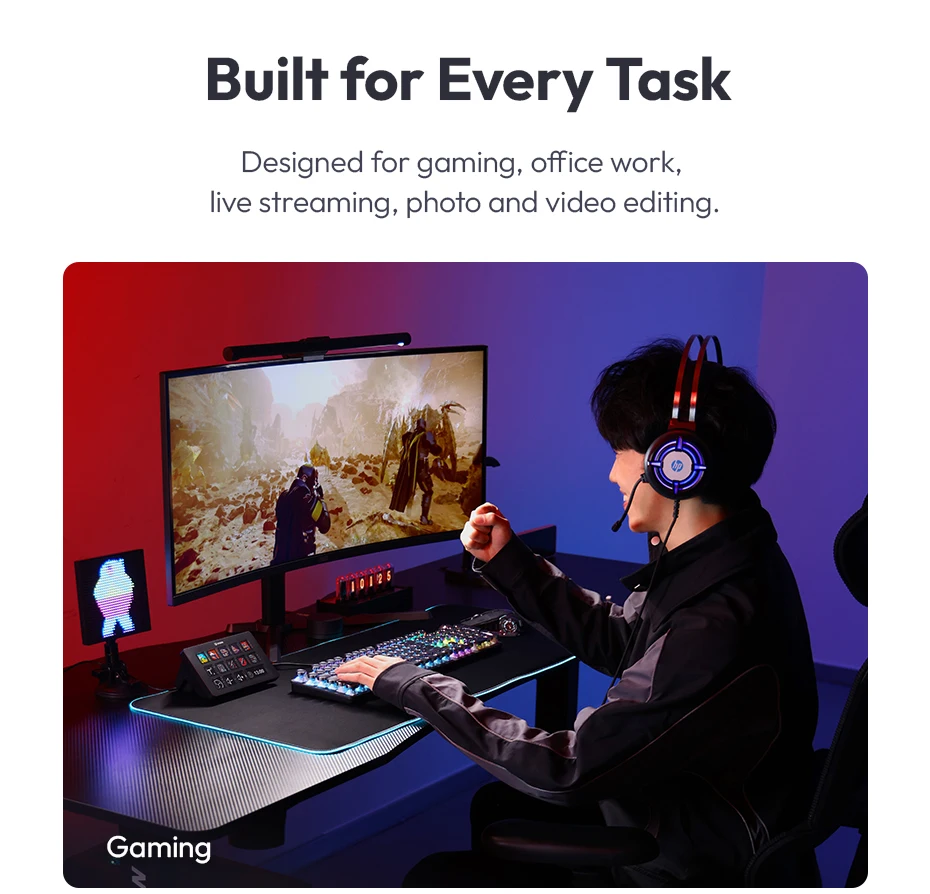
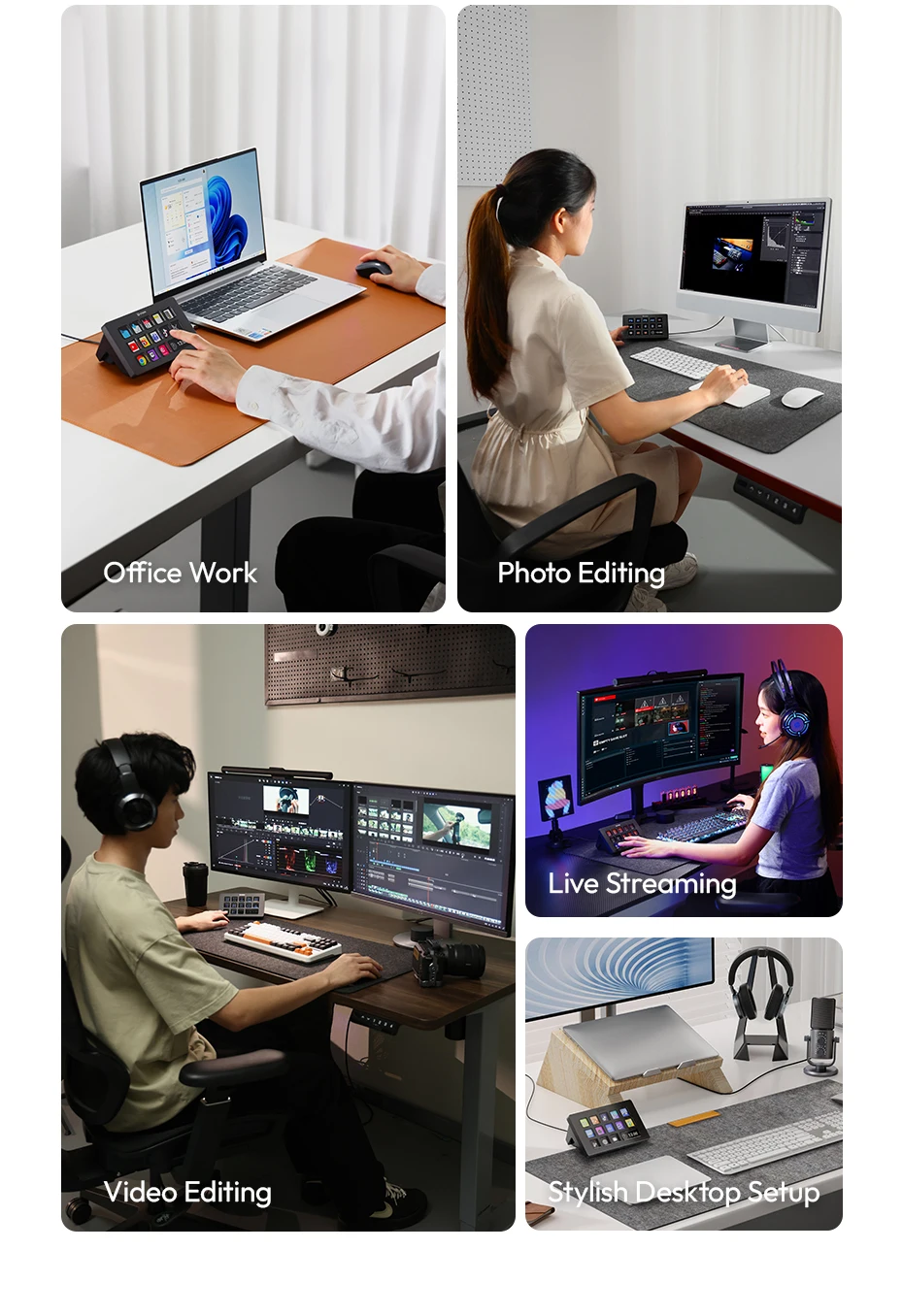
Built for Every Task
Designed for gaming, office work, live streaming, photo and video editing.
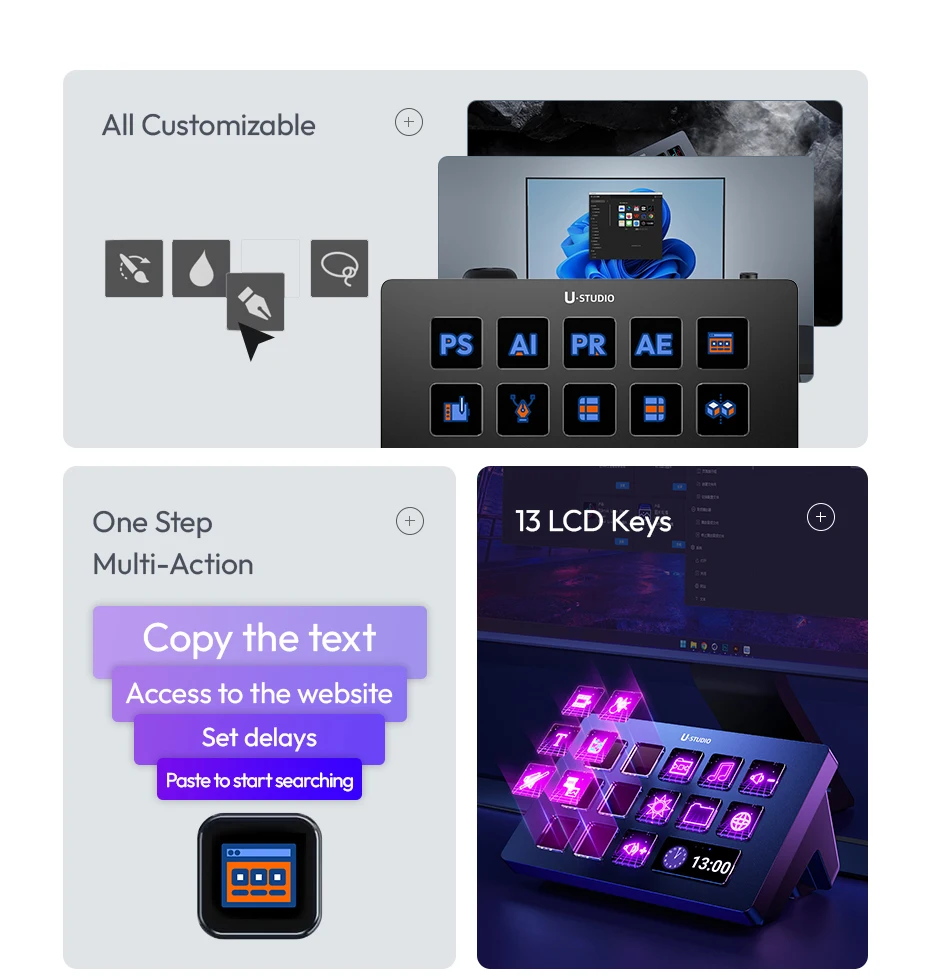
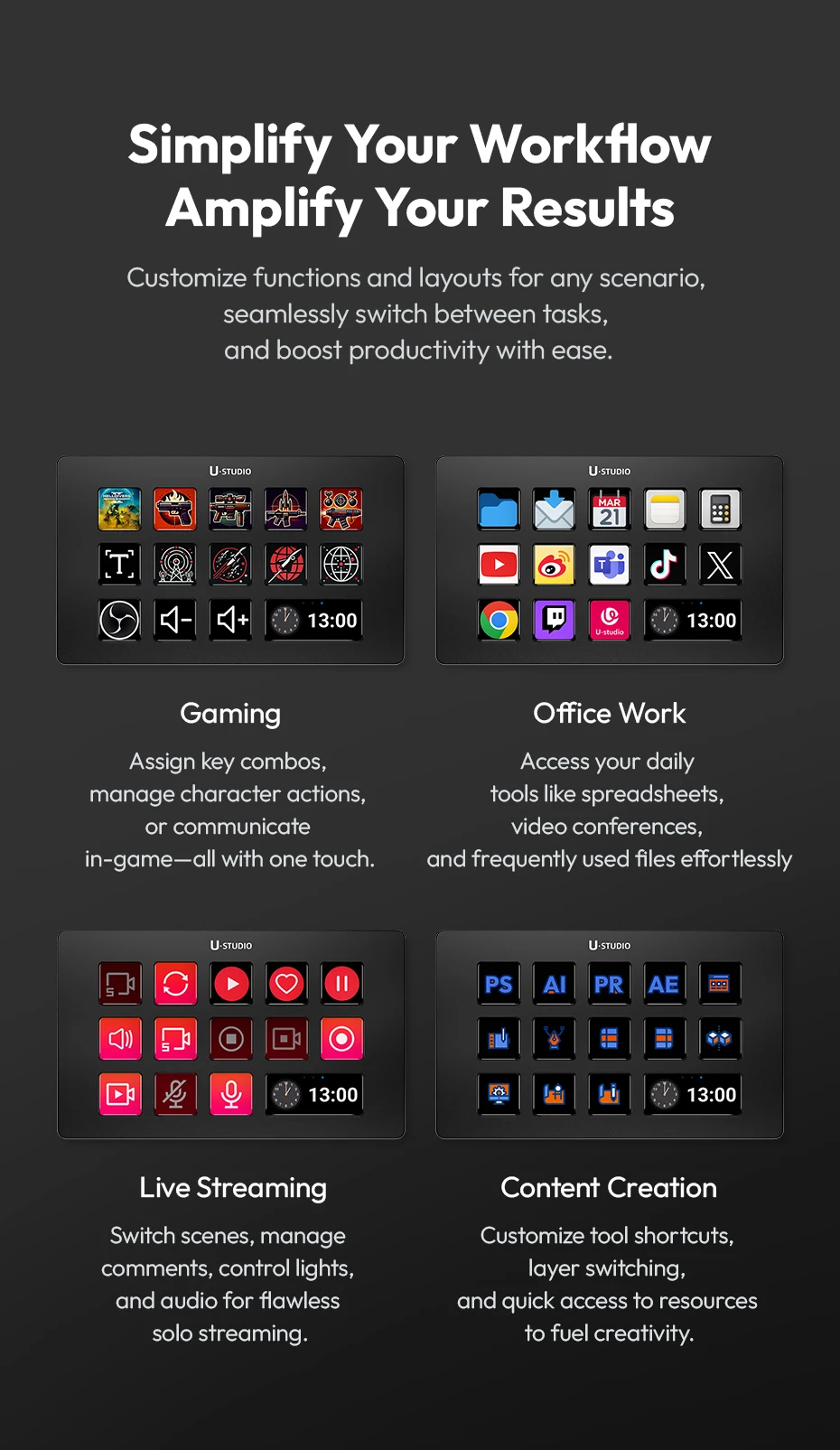
Customizable Keys to Simplify Workflow
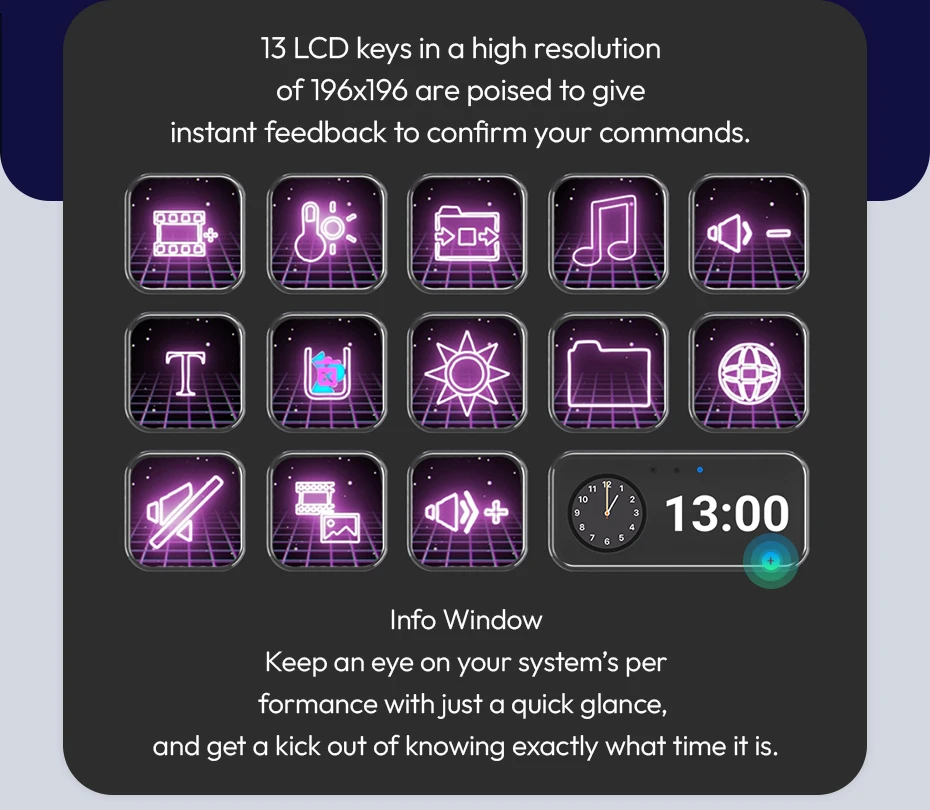
Equipped with 13 LED-visualized keys that support macro functions, users can execute complex multi-step tasks with a single press. Whether switching scenes or sending chat messages, this feature significantly optimizes workflows and saves time.
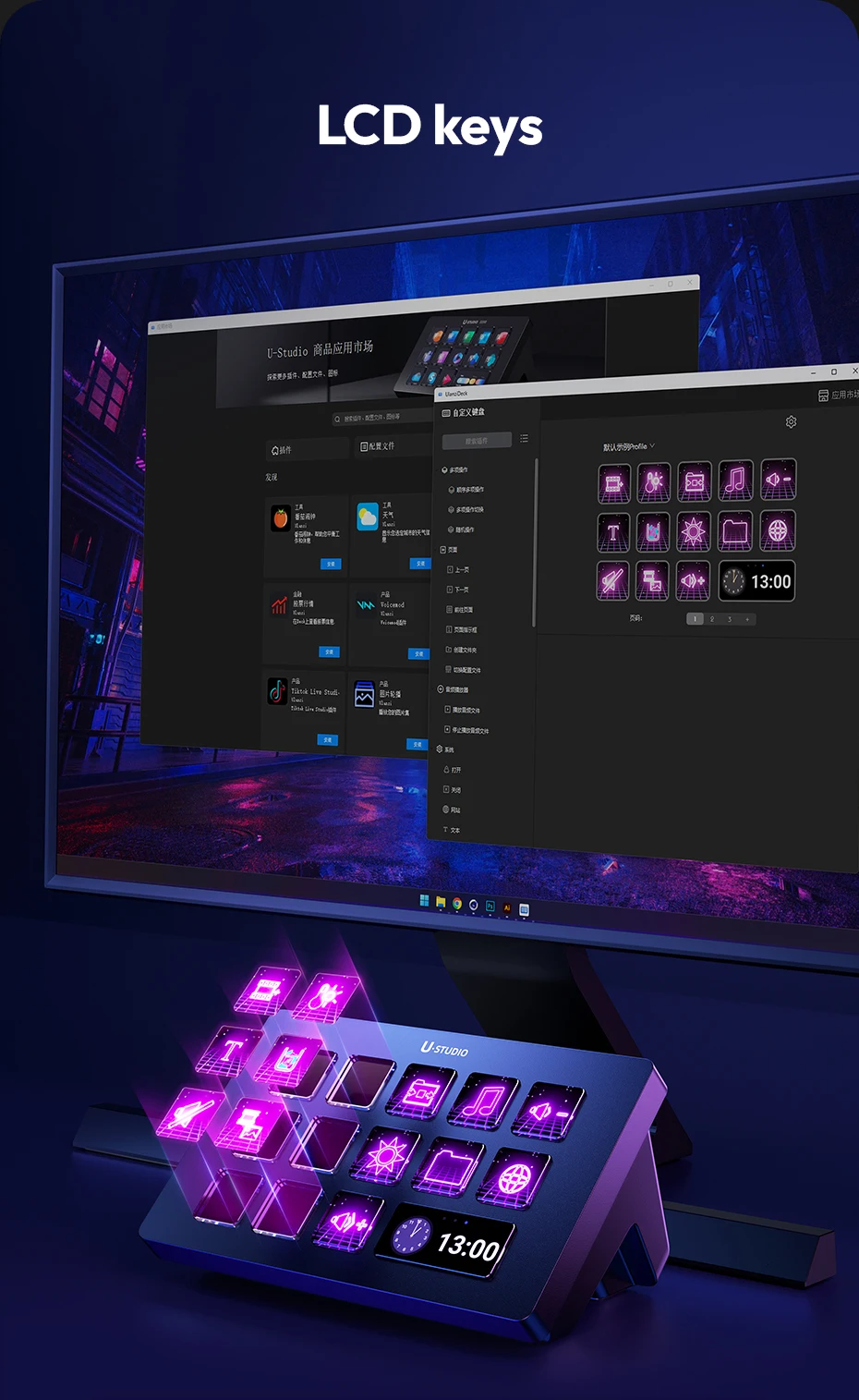
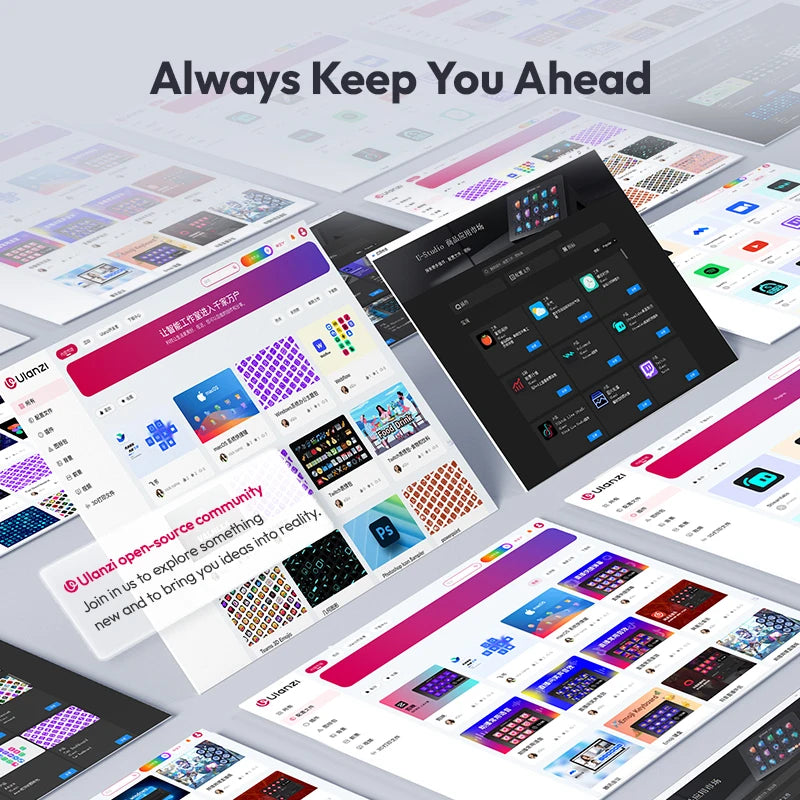
Always Keep You Ahead
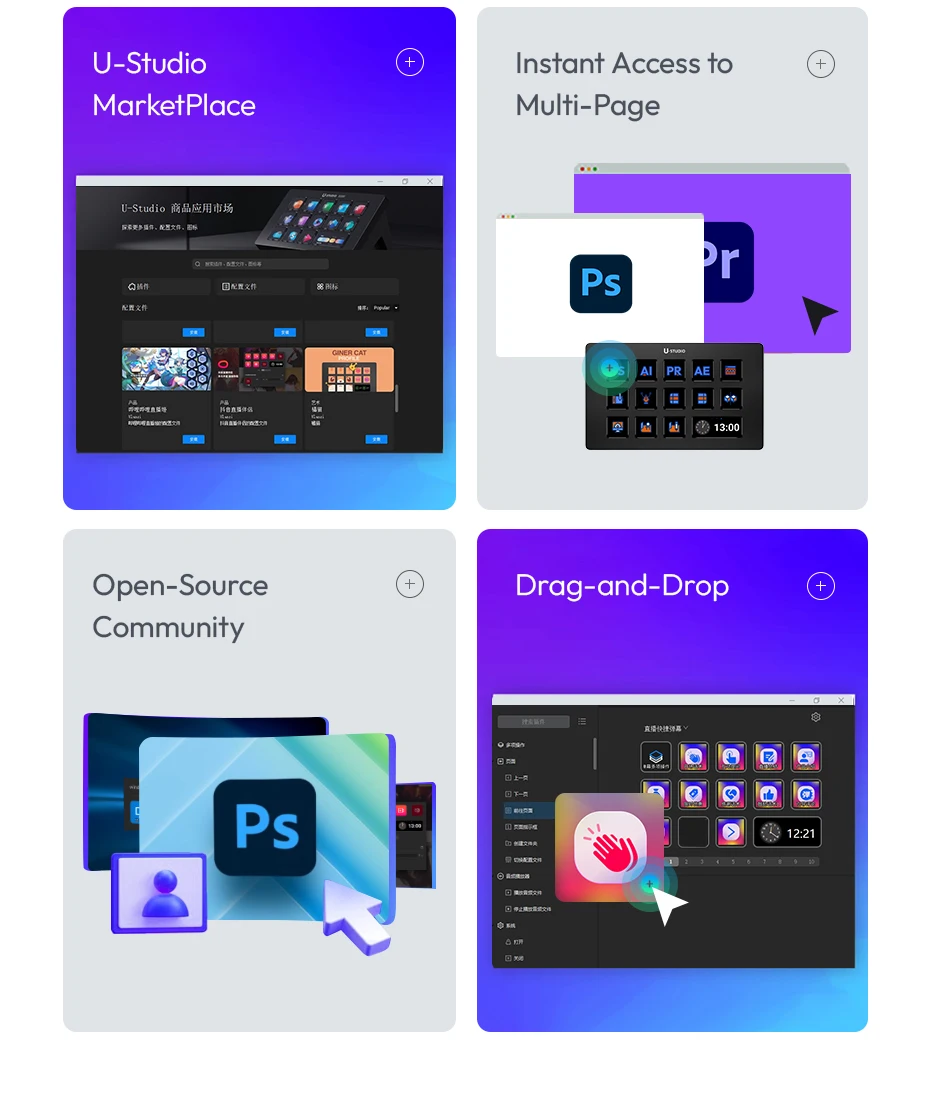
Explore our marketplace for plugins, profiles, and icons to perfect your setup. We regularly update with new content and welcome ideas from all creators, so you always have what you need.
Shape Your Workflow Your Way
Plug in, and you're ready to go! With drag-and-drop macro creation, it's as easy as it gets.
Do More with a Single Tap
Multi-action allows you to create custom macros that string together tasks requiring multiple clicks, all triggered by a single press.
Instant Access to Multi Pages
Effortlessly switch between profiles, subpages, and folders to perfectly match any workflow.
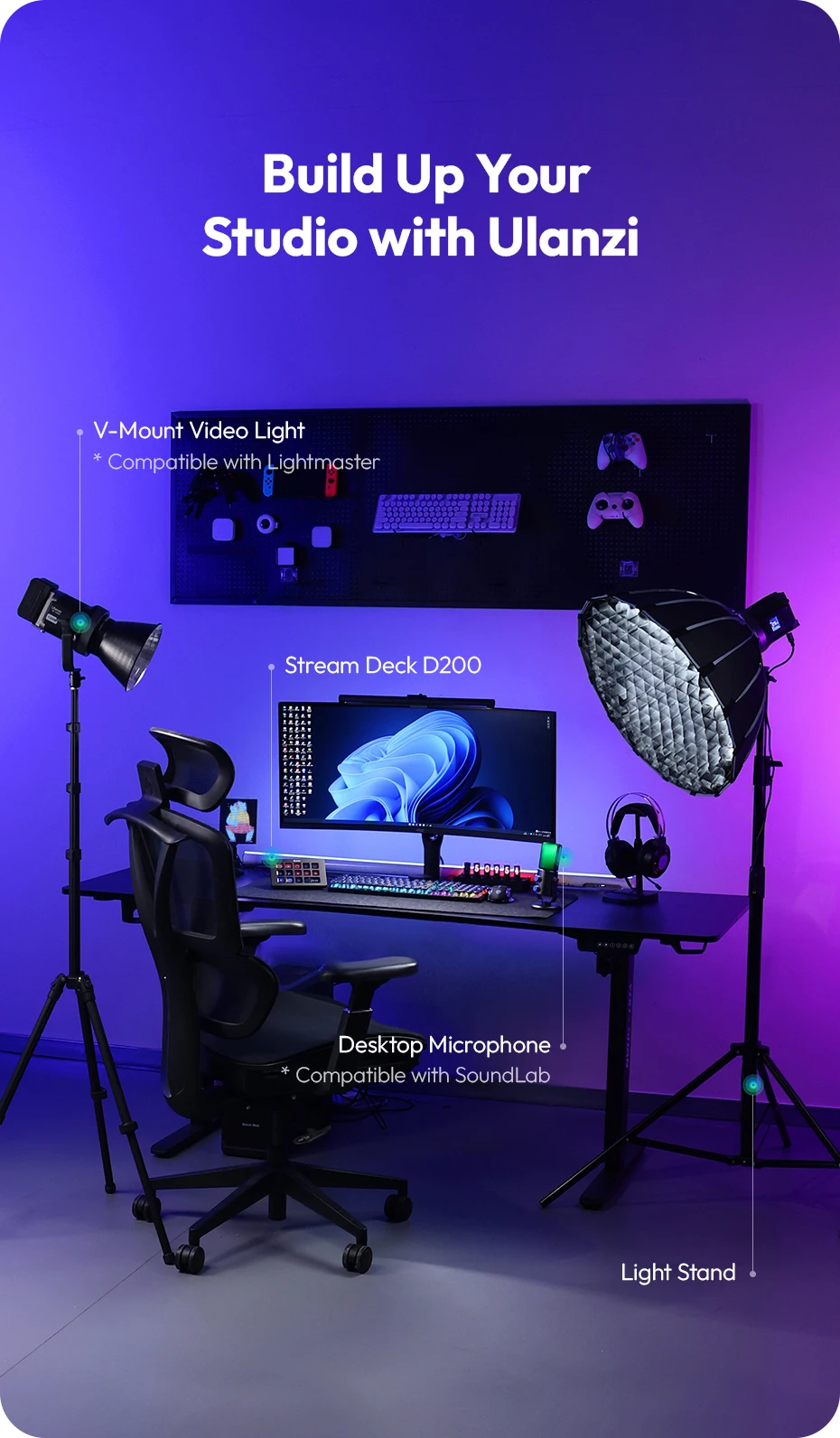
Build Up Your Studio with Ulanzi
Let’s Go!
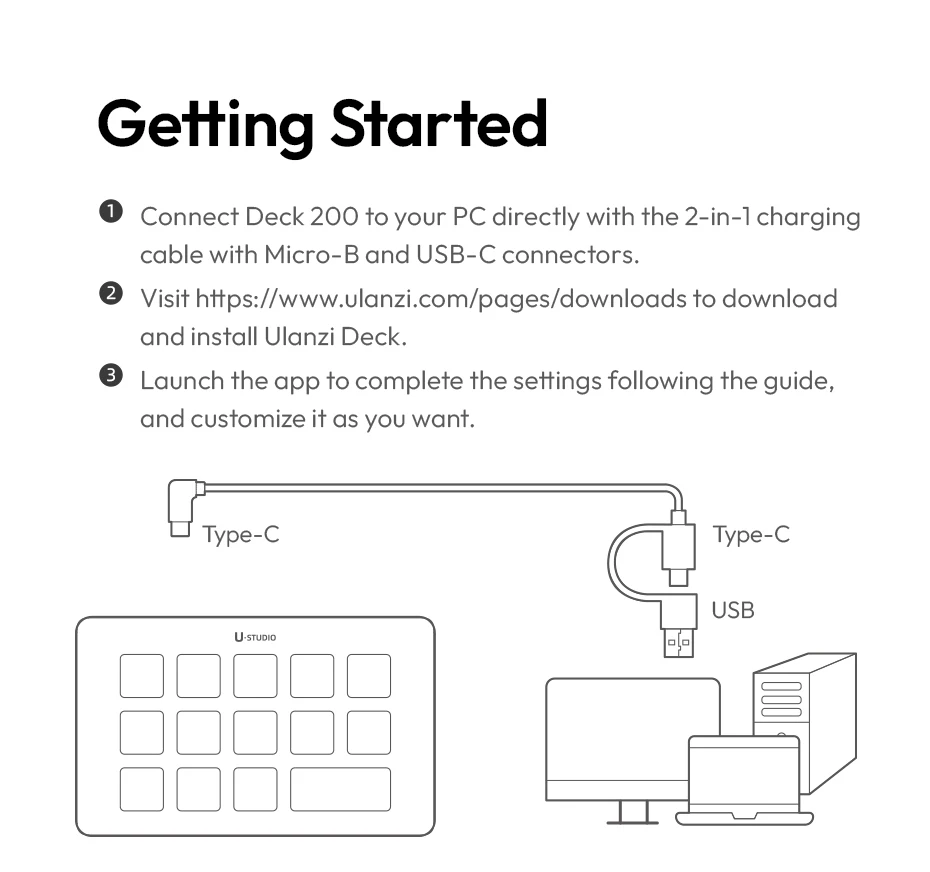
Connect the Deck 200 directly to your PC using the USB-A to USB-C cable.
Visit this link https://www.ulanzi.com/pages/downloads, to download and install the Ulanzi Deck app.
Launch the app to follow the instructions and customize it to your preferences.
Marketplace: https://ugc.ulanzistudio.com/#/home
Specification:
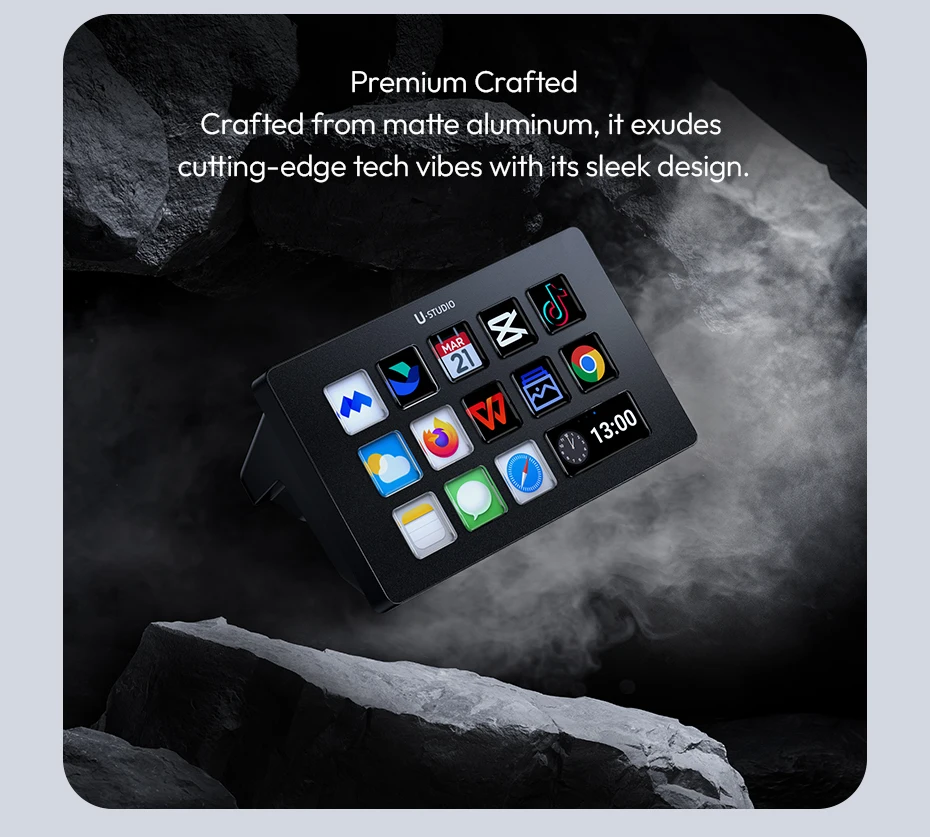
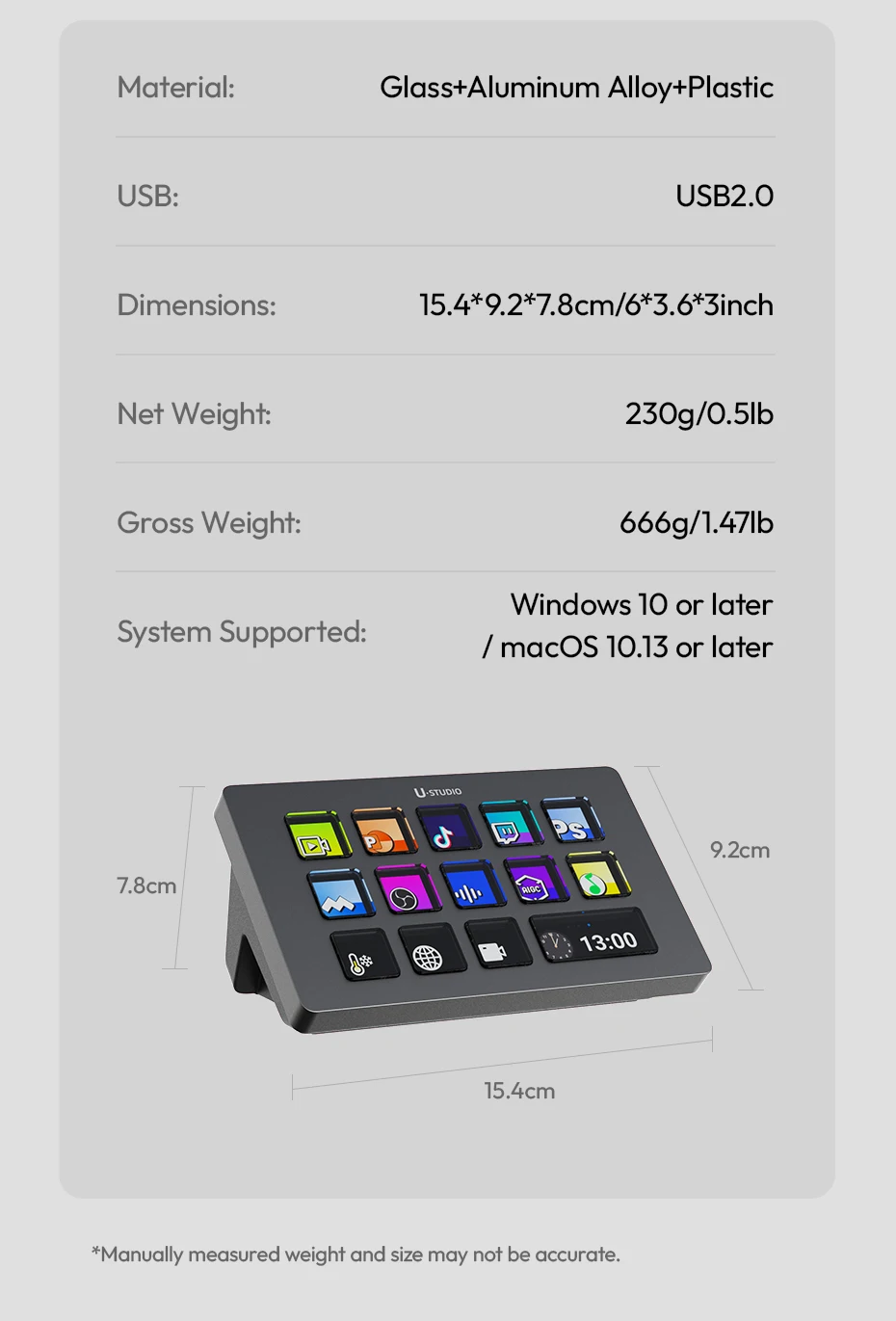
Material: Glass+Aluminum Alloy+Plastic
USB: USB2.0
Dimensions: 15.4*9.2*7.8cm/6*3.6*3inch
Net Weight: 230g/0.5lb
Gross Weight: 666g/1.47lb
System Supported: Windows Win 7 and later /MacOS 10.13 and later
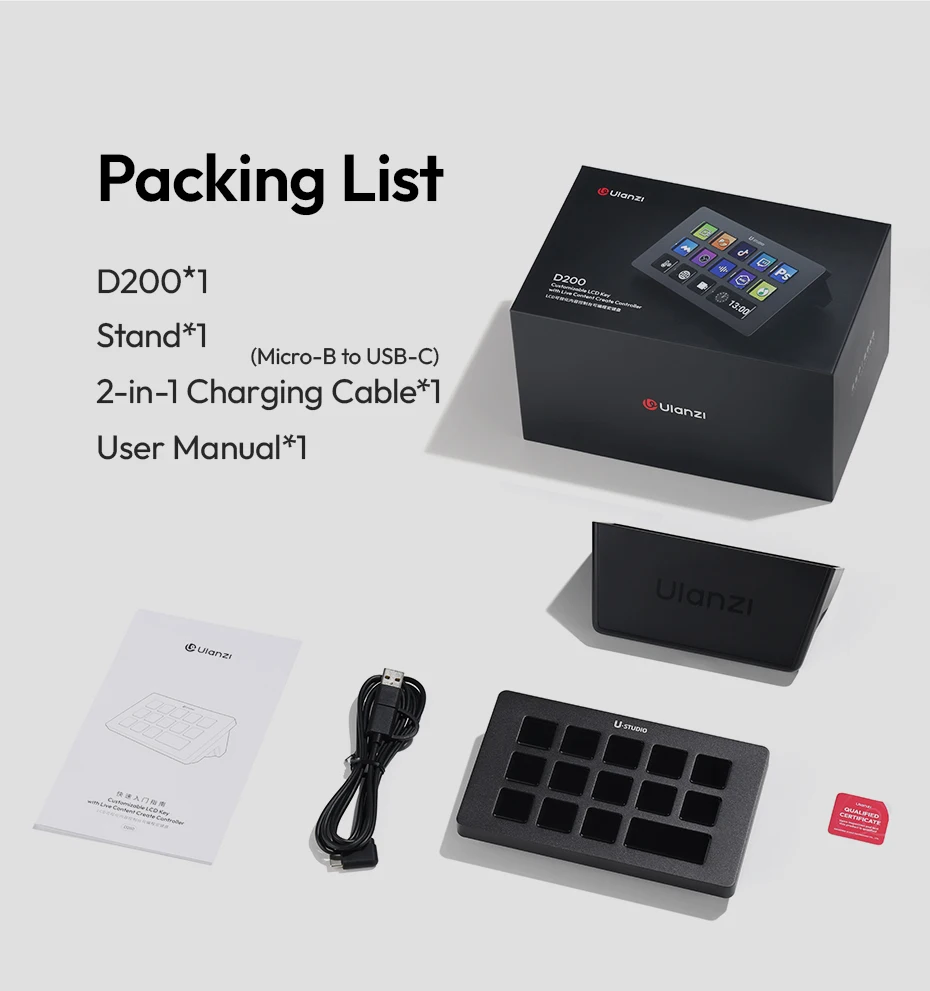
Packing List:
D200*1
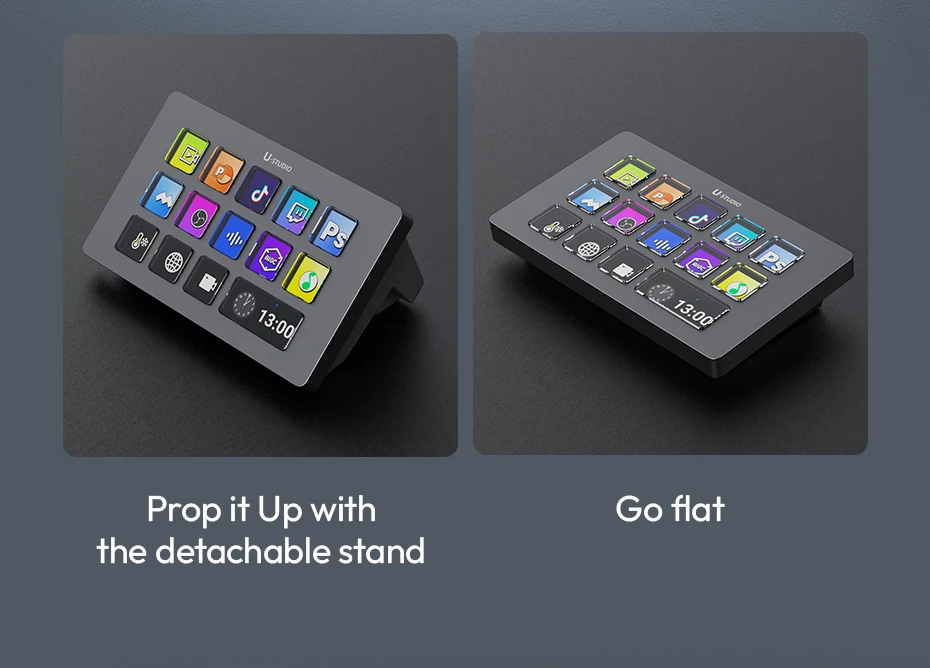
Stand*1
2-in-1 Charging Cable (Micro-B to USB-C) *1
User Manual*1
Product features
Product features
Materials and care
Materials and care
Merchandising tips
Merchandising tips